
Spinmaya Deposits and Withdrawals: Payment Methods, Limits and Speed helps you prepare a payment and keep track of your balance.
You can read which information you need, how to investigate a payment problem and when you can reach us via email or Live Chat.
| Feature | Details |
|---|---|
| Casino | Spinmaya Casino |
| Payment methods | Debit card, credit card, Skrill, Neteller, prepaid card |
| Deposit | Immediately added to your balance |
| Withdrawal | Request through the cashier |
| Account verification | ID and address before first payout |
| Deposit limit | Can be set by you per day, week or month |
| Customer support | Email and live chat |






Depositing money at Spinmaya Casino
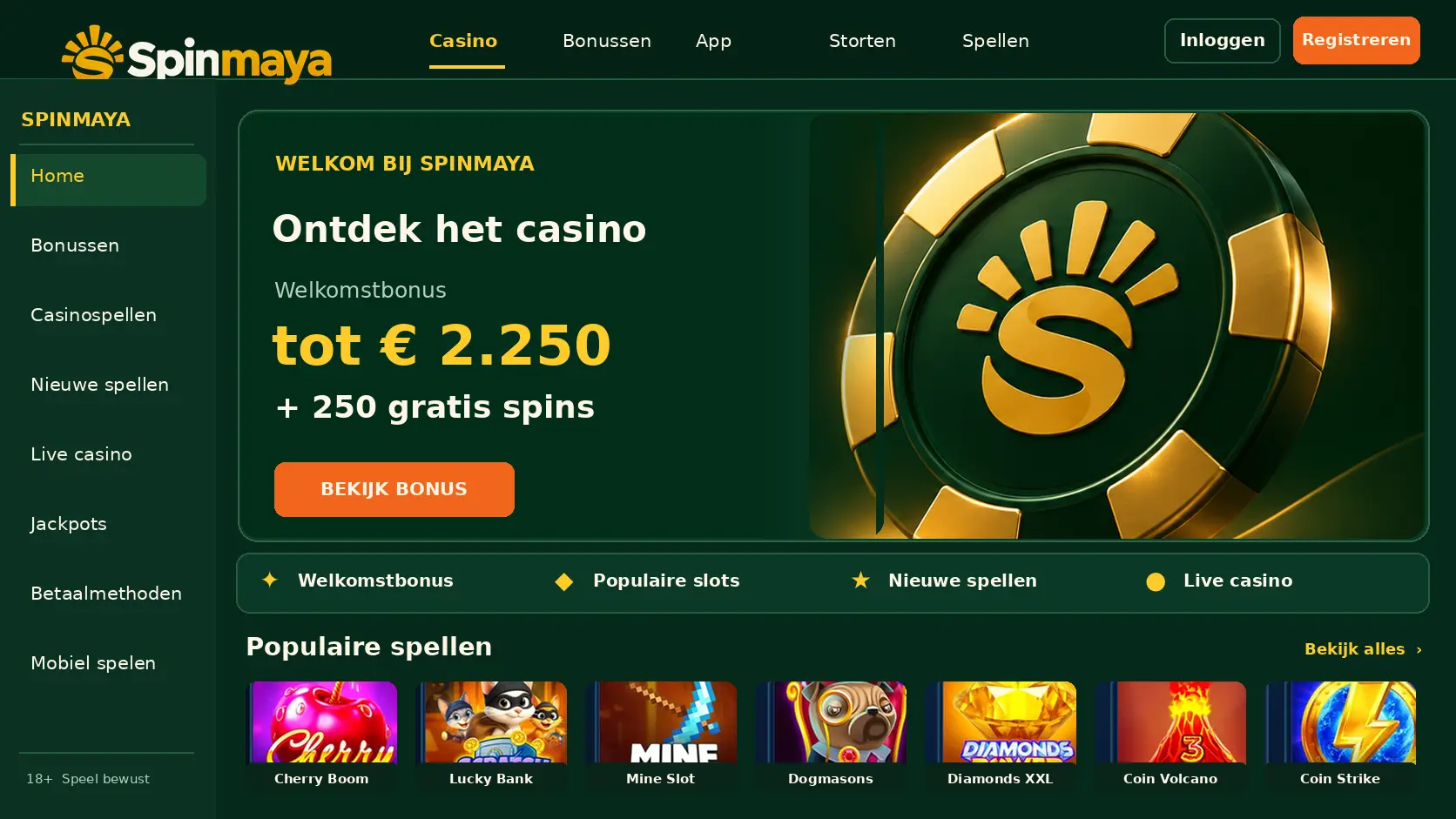
Log in to your account and open the cashier to prepare a deposit. There you choose a payment method and enter the amount you want to transfer.
These sections help you with different actions related to your player account: from preparing a payment to discussing a transaction with us.
- Cashier — In the cashier, you prepare a deposit by choosing a displayed payment method and an amount.
- Withdrawal request — Through the withdrawal option, you indicate how much money you want to receive from your player balance and where it should be sent.
- Payment history — Using the transaction details, you can identify a payment by the amount, date and reference.
- Customer support — You can ask us questions about a payment or withdrawal request via email or Live Chat.
How to deposit money at Spinmaya
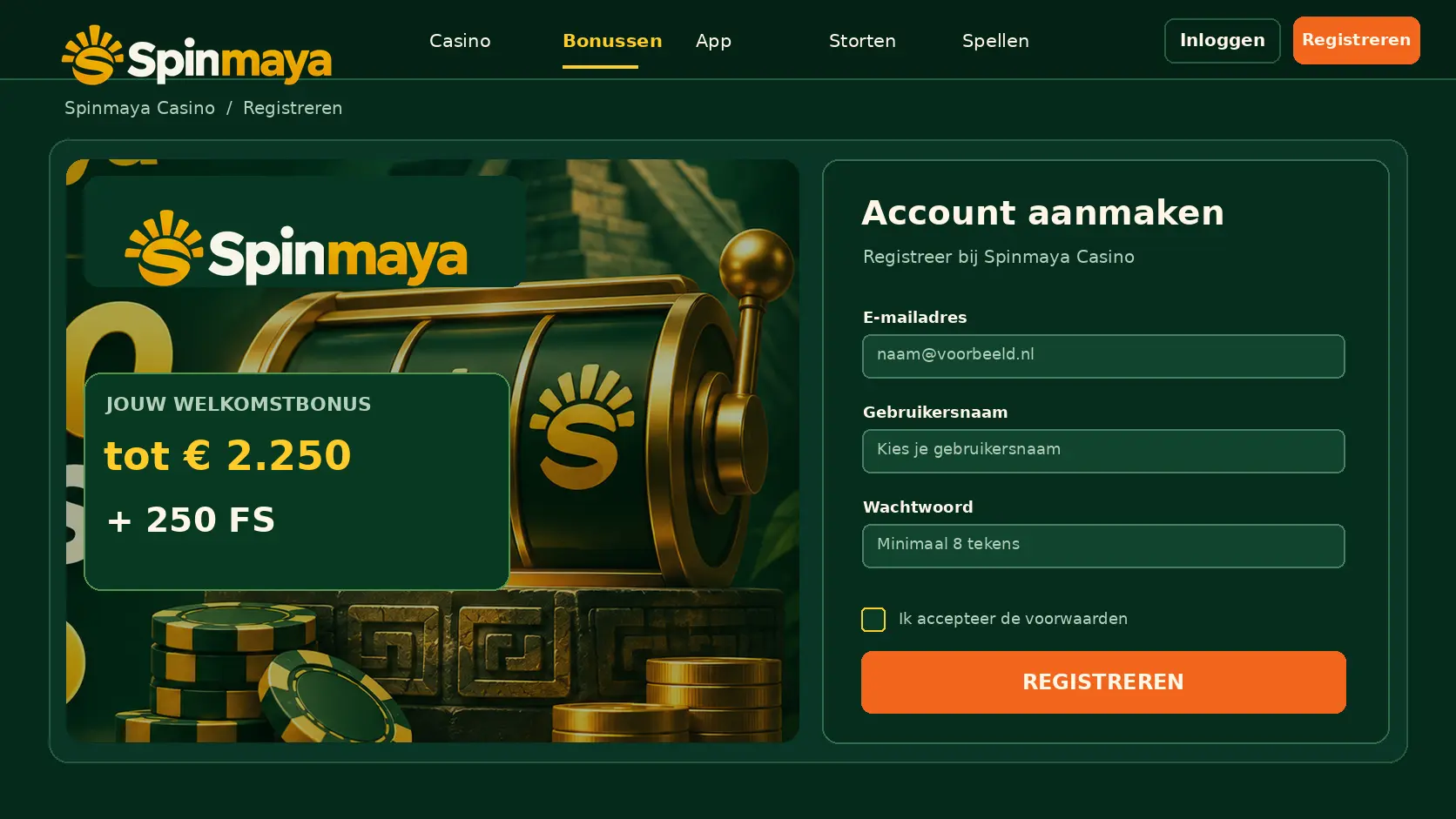
Complete the payment through the cashier and finish any confirmation required by your payment provider. Then check your balance and the transaction status.
With this sequence, you prepare your account and payment before you start playing. A bonus is a separate choice and not a reason to deposit more than you can afford to lose.
- Create an account — Create a personal account with your own details and choose login credentials that you do not share with others. Check your input before confirming the registration.
- Verify your identity — Follow any request to confirm your identity and provide the requested information. Readable documents help compare your details with your account.
- Deposit money — Open the cashier, choose a displayed payment method and enter an amount that fits within your budget. Confirm the transaction and then check the transaction status.
- Choose a bonus and game — First read the terms of any bonus offer and activate it only if you want to participate. Then choose a game and keep track of your spending.
Logging in to your account
Use your own login details and after signing in check that you are in the correct account. Do not share your password with others.
Going to the cashier
Open the cashier from your account and choose the option to deposit money. A withdrawal request is a separate action.
Choosing a payment method
Choose a method shown in the cashier that you can use yourself. Check which information you need to enter for the payment.
Entering the amount
Enter the desired amount and compare it with your own budget. Check the amount before confirming the payment.
Confirming the payment
Complete the instructions from your payment provider. Keep the transaction details until you can see that the deposit has been processed into your player balance.
Payment methods at Spinmaya
The cashier shows which payment options you can select. Below you can read how different types of payments work; this does not mean that every type mentioned is offered by us.
Paying with your debit card or credit card
For a card payment, you generally enter card details and your bank may ask for additional confirmation. Only provide that confirmation for a payment that you started yourself.
Paying with a digital wallet
A digital wallet can process a payment through a separate payment account. When confirming, check which amount you are transferring from that account.
Paying with cryptocurrencies
A crypto payment uses a blockchain address and a network. An incorrect address or network can cause your payment not to reach the intended destination.
Other payment options
A payment method may redirect you to a separate payment environment. Read the amount and recipient there before approving the transaction.
Minimum and maximum deposits
A payment order may be subject to a lower or upper limit. Therefore, first enter the desired amount and pay attention to any notifications in the cashier.
The lowest amount you can deposit
A minimum is the smallest amount accepted for a payment. A lower amount may mean that you cannot complete the transaction.
The highest amount per payment
A maximum per payment limits one individual transaction. This is not necessarily the same as a personal limit over a longer period.
Setting your own deposit limit
A personal deposit limit helps you decide in advance how much you want to deposit within a chosen period. Choose an amount that fits your budget.
How quickly is your money added?
A payment first goes through processing by the payment provider and then processing on your player account. Confirmation of the transaction is not always the same as an updated balance.
Payments that arrive immediately
With immediate processing, your balance may be updated shortly after confirmation. If you do not yet see the deposit, first check the transaction status before paying again.
Waiting time for cryptocurrencies
A crypto transaction may require network confirmations before the recipient can process it. You can track the progress using the transaction details on the relevant network.
Tracking the status of your payment
Compare the status in your payment account with the details in your player account. Note the amount and transaction reference if you need help.
Deposit fees
The amount you transfer and any separate fees are not the same. Review the payment order before agreeing so that you know what you are confirming.
Does Spinmaya charge fees?
We do not state a fixed amount for deposit fees here. Check the overview of your payment order before confirming it.
Fees from your bank or payment provider
A bank or payment provider may charge its own fees, for example for currency conversion. These fees are separate from the amount you enter as a deposit.
Playing in euros
Check the currency of your payment account and of the transaction. If the currencies differ, conversion may affect the amount deducted.
Your first deposit and the welcome bonus
A deposit and a bonus are separate parts of your account. Read the terms of an offer before deciding to deposit money to participate in it.
The bonus up to €2,250 and 250 free spins
The amounts mentioned in this heading do not confirm an available offer. A bonus amount and free spins are different benefits and may each have their own terms.
The minimum amount for the bonus
A bonus may require a minimum qualifying deposit. Compare that condition with the amount you want to deposit before activating an offer.
Payment methods that do not qualify
With a bonus, certain payment methods may be excluded from participation. A successful deposit therefore does not automatically mean that you also qualify for a bonus.
Why is your deposit declined?
A decline may occur during the verification of your details, balance or payment order. Read the message and investigate the cause before trying the same payment again.
Insufficient balance in your account
Check whether your payment account has enough available balance for the amount and any fees. A reservation on your account may reduce the available balance.
Incorrect payment details
Compare the entered details with those of your payment method. Correct an error before confirming a new transaction.
Your limit has been reached
A personal limit or a limit from your payment provider may block a new payment. Check which limit applies instead of repeatedly trying again.
Your account must be verified first
Identity verification may be required to assess an account or transaction. Follow the instructions in the request and provide only the requested documents.
Deposited, but your balance is incorrect
Compare the deducted amount with your player balance and check whether the payment is still being processed. Do not make a second deposit solely because the first one is not yet visible.
Viewing your payment history
Find the transaction using the date, amount and reference. This allows you to distinguish between a new payment and an earlier transaction.
Payment still pending
A pending status means that processing has not yet been completed. Keep the reference and check again later to see whether the status has changed.
Contacting customer support
You can reach us via email or Live Chat. Provide the amount, date and transaction reference, but do not send your password or full card details.
Withdrawing your winnings
A payout requires a separate request from your account. Check the amount and destination before confirming the request.
Requesting a payout
Open the withdrawal option in the cashier, enter the desired amount and follow the instructions for the destination. Keep the confirmation of your request.
Having your account verified
During verification, identity information may be compared with documents. Make sure the information you provide is readable and matches your account.
How long a payout takes
A payout may involve both a review of the request and processing by a payment provider. We do not state a fixed processing time that has not been confirmed.
Depositing via your phone
On a small screen, check the amount and recipient extra carefully before confirming a payment. Use your own device and end your session after use.
Safe payments at Spinmaya
Protect your account and payment details during every transaction. A payment confirmation should relate to a transaction that you started yourself and whose amount you recognise.
Review the following points before your first deposit. This allows you to assess a payment order more carefully and prevents you from discovering a condition only after confirming it.
- Licence and safety — Look for information about the licence and protect your login details before transferring money to a player account.
- Bonus terms — Read which deposit qualifies for an offer and which terms apply before trying to activate a bonus.
- Payment limits — Compare the amount you want to deposit with any limits per payment and with your personal budget.
- Verification and gambling behaviour — Check which information is requested for identity verification and decide in advance how much money you can responsibly afford to lose.
A secure connection
Use a secure connection when logging in or entering payment details. Avoid sharing sensitive information over a public or unsecured network.
Protecting your payment details properly
Keep your password and confirmation codes to yourself. Our customer support does not need your password to discuss a question about a transaction.
Paying only with your own account
Use a payment account that is in your name. This allows you to find your own transactions and compare information with your account during any verification.
Viewing your payment history
Use your transaction details to distinguish between deposits and withdrawals. A reference helps us discuss a specific payment if you contact us.